
NEWS
Wireless Carplay& Android Auto in Your Vehicle
Wireless CarPlay and Android Auto: How They Level Up Your Daily Drive
Back in the day, “in-car entertainment” basically boiled down to your Car Multimedia Radio: tuning into fuzzy FM stations, blasting music via Bluetooth (if your ride was even new enough for that), and relying on clunky built-in navigation that’d send you straight into a construction zone (updates were rarer than a traffic-free morning commute). You’d fumble with cables to connect your phone, or worse—glance down to reply to a text mid-drive (we’ve all been there… but yikes, that’s risky).
But Wireless CarPlay and Wireless Android Auto changed the game. Let’s stack ’em against old-school Car Multimedia Radio systems to see why they’re total game-changers:
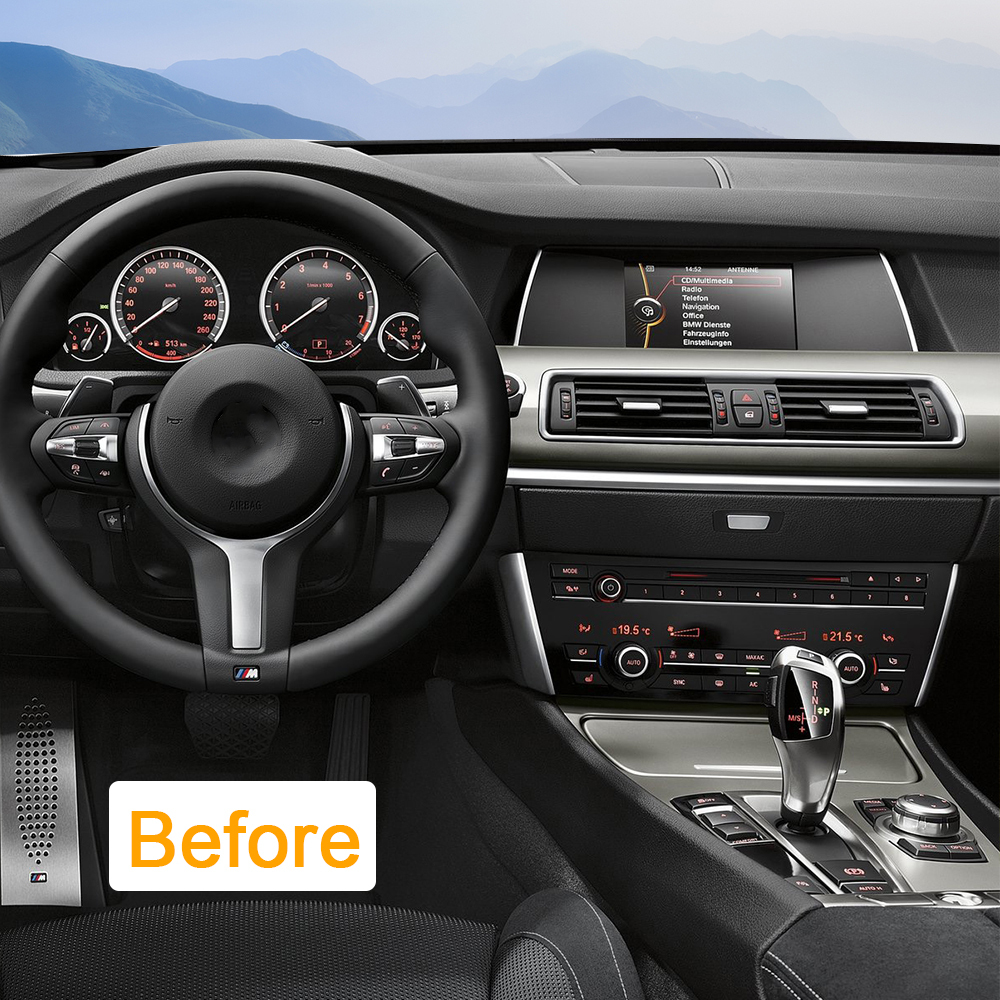
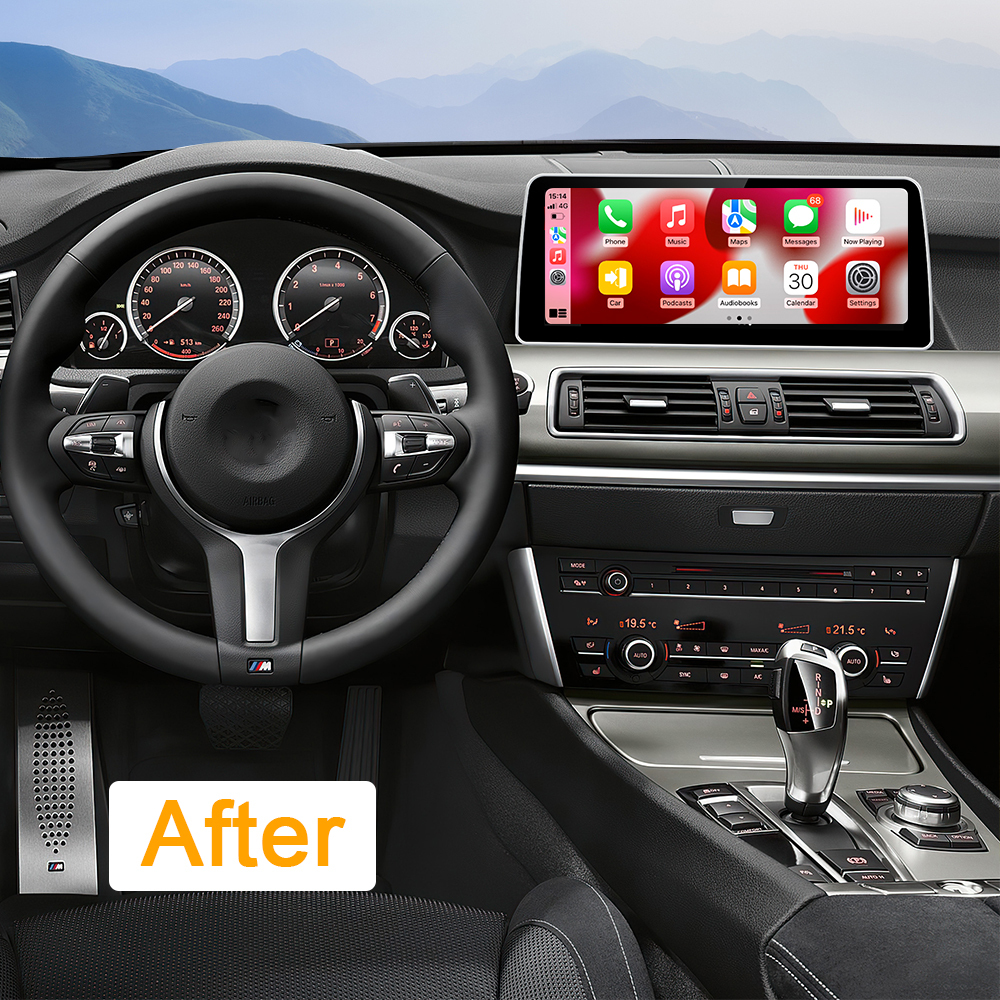
1. Connectivity: From “Fumble & Fuss” to “Set It & Forget It”
- Traditional car systems: Want to link your phone? You’d either tangle a cable across the center console (rip to your passenger’s foot space) or pair via Bluetooth (which only let you play music—no navigation, no texts). Every drive meant a 2-minute setup ritual.
- Wireless CarPlay/Android Auto: Hop in, start the car, and boom—your phone syncs automatically. No cables, no tapping screens, no hassle. It’s like your phone’s interface just “pops up” on the dashboard the second you sit down.
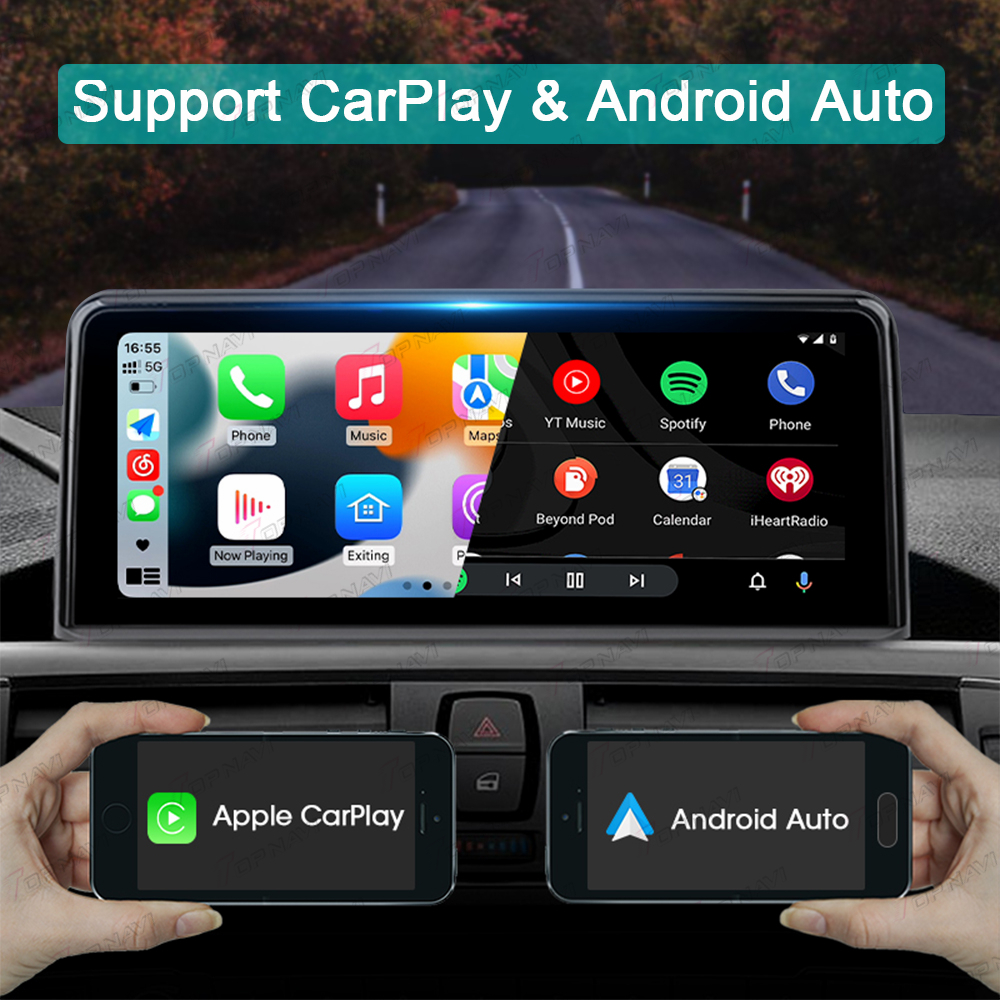
2. Features: From “Basic Audio” to “Your On-the-Go Hub”
- Old-school Car Multimedia Radio: It was a “one-trick pony”—radio, local music files, maybe Bluetooth audio if you were lucky. The built-in nav? It felt stuck in 2015 (good luck finding that new coffee shop).
- Wireless CarPlay/Android Auto: This isn’t just “entertainment”—it’s your phone, but better (and on your dash). Stream Spotify/Apple Music, pull up real-time Waze/Google Maps (no more construction detours!), voice-reply to texts, or even order takeout while waiting at a red light. It turns your car into an extension of your phone, not a clunky separate device.
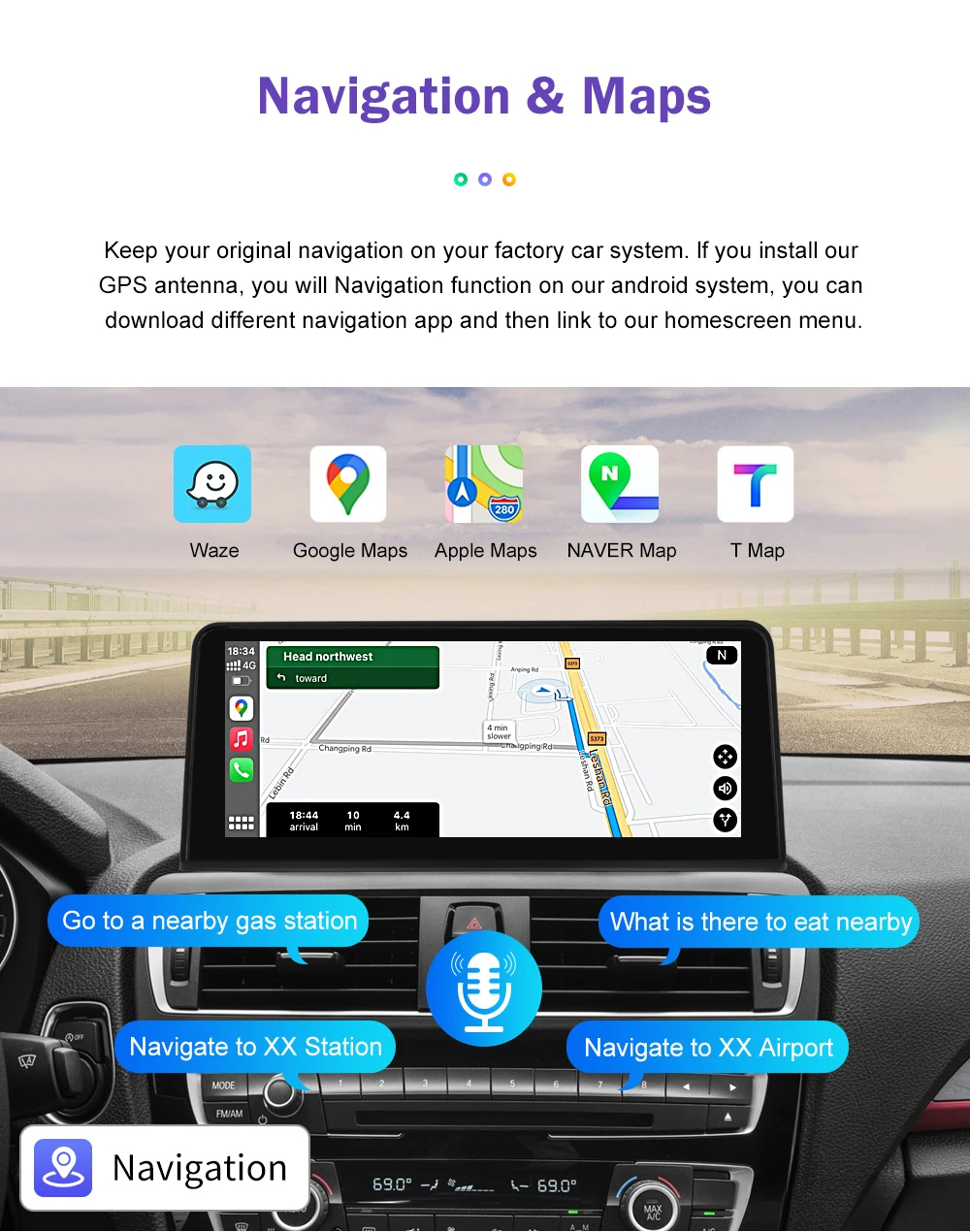
3. Safety: From “Glance & Gamble” to “Hands-Free & Hassle-Free”
- Traditional car controls: Changing volume or switching a song meant staring down at a mess of physical buttons—taking your eyes off the road for way longer than is safe.
- Wireless CarPlay/Android Auto: Just talk. Say “Hey Siri, navigate to the nearest gas station” or “Okay Google, play Taylor Swift” and it’s done. No fumbling, no glancing—your hands stay on the wheel, and your eyes stay on the road.
These days, Wireless CarPlay and Wireless Android Auto aren’t just “nice extras”—they’re non-negotiable. Commuting gets less stressful (no more missing turns), road trips feel smoother (voice-controlled coffee runs = game-changer), and even quick errands get easier (text your roommate you’re on the way without touching your phone).
Compared to the “good enough” vibe of old Car Multimedia Radio systems, wireless in-car tech doesn’t just “work”—it makes your drive better.
0users like this.

 USD

Your cart is currently empty.